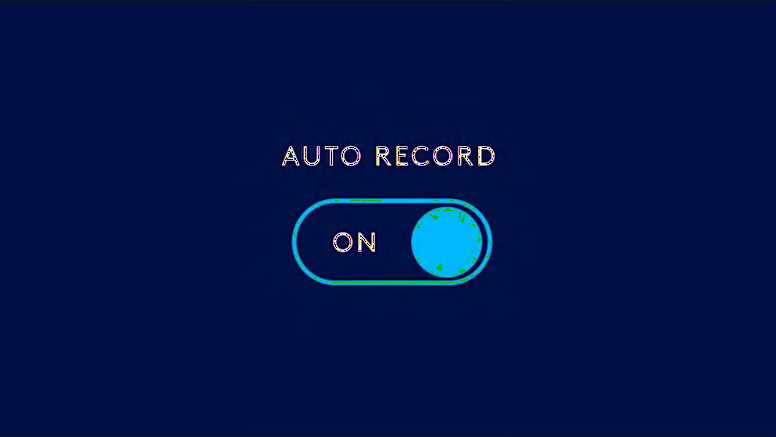
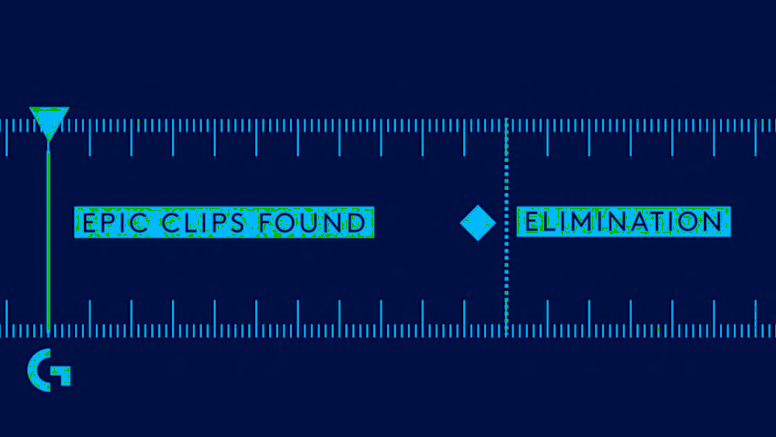
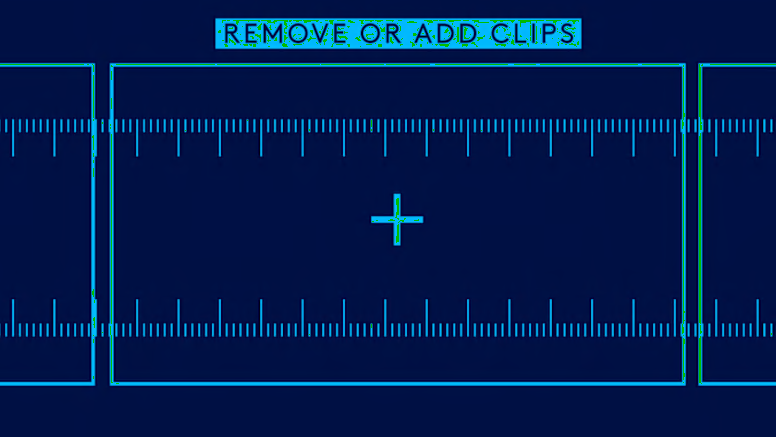
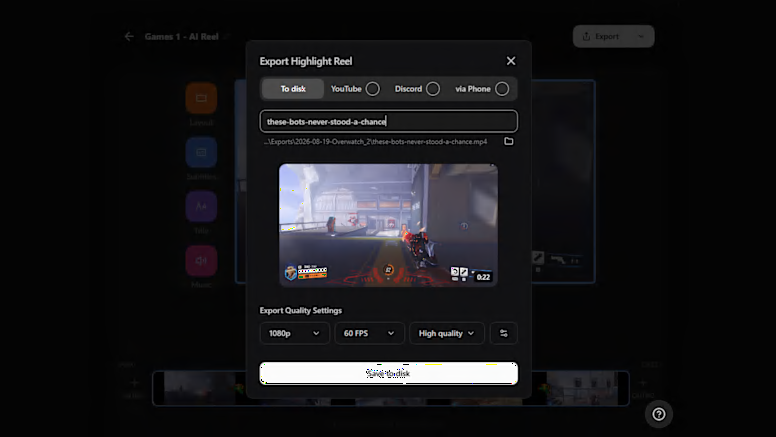
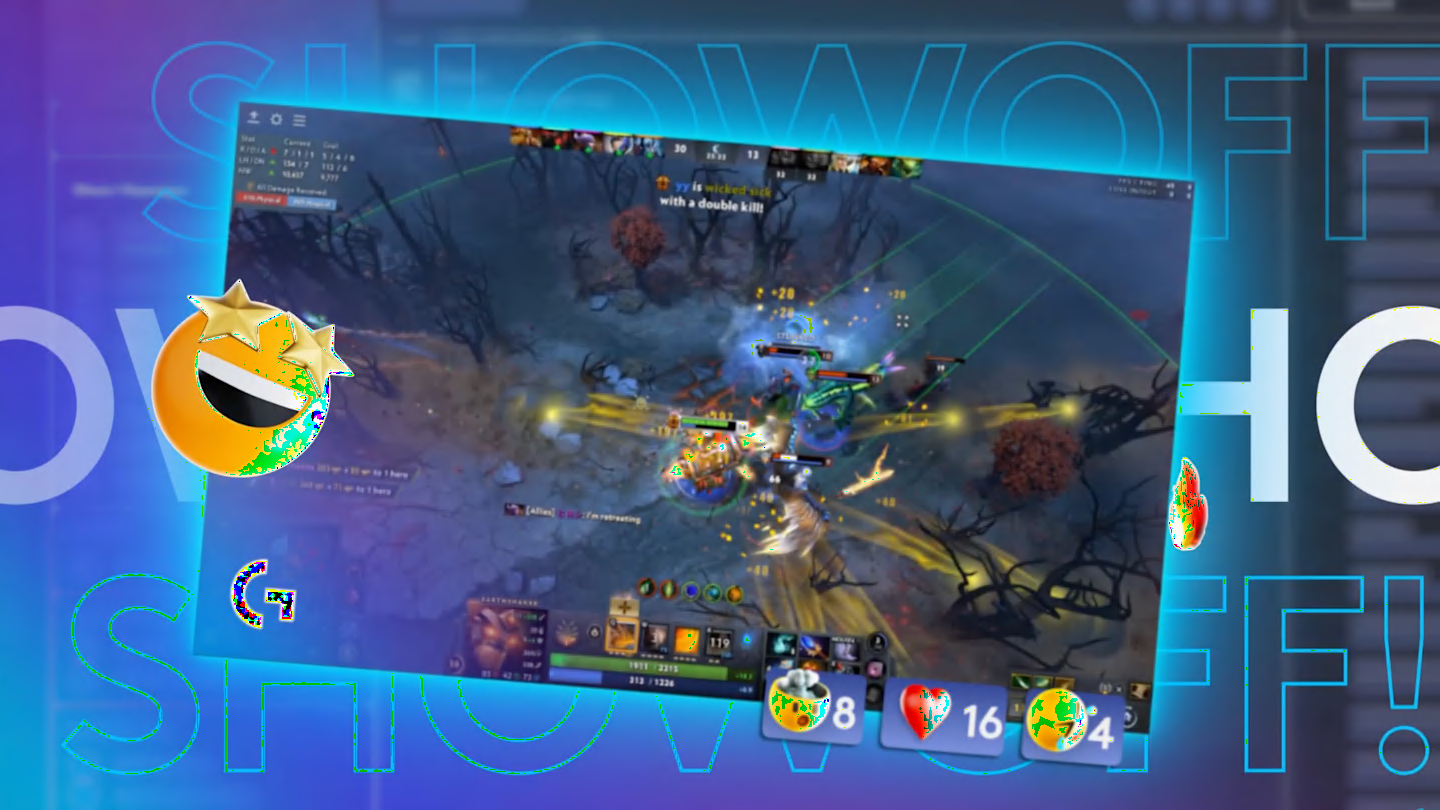
G HUB REPLAY automatically records your gameplay, finds your hero moments, and puts them together in a reel so you can easily export and share in seconds. Just download, turn on auto record, and have your highlight reel generated as soon as you’re done gaming.
GETTING STARTED
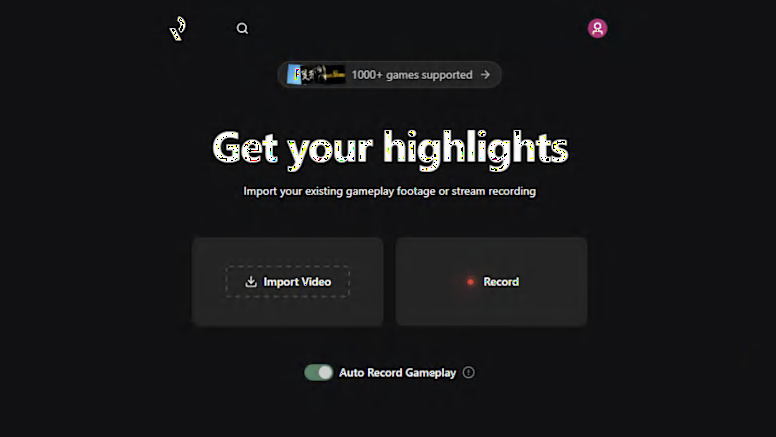
First, download and install G HUB Replay. Then enable auto record and launch your favorite game to start recording your session. When you’re done playing, Replay can scan your session for highlights to create a reel of your best moments for you to easily download and share.